Windows 11 keeps thumbnails of deleted photos: how to remove them
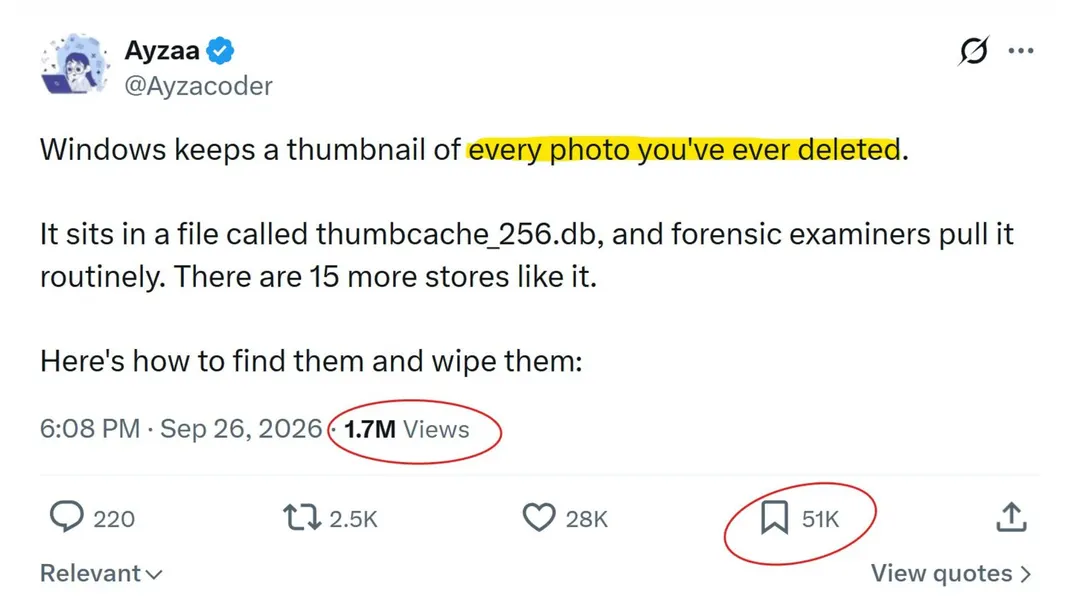
A viral X post claims Windows secretly stores thumbnails of every deleted photo in thumbcache_256.db. In reality the thumbnail cache is a standard File Explorer feature for faster previews, and entries appear only if a thumbnail was displayed. Users can clear it via cleanmgr or disable caching with a policy on Pro and higher editions.
- Thumbnail cache lives in %LOCALAPPDATA%\Microsoft\Windows\Explorer as thumbcache_32.db–1024.db
- Thumbnails can be removed via cleanmgr by selecting the Thumbnails category
- Windows 11 Pro, Enterprise and Education can disable caching via NoThumbnailCache policy
- The cache debuted in Windows Vista, replacing per-folder Thumbs.db files from Windows XP
Read next
Software