Microsoft confirms printing issues after Windows 11 KB5083769 update
After installing Windows 11 KB5083769 and later, some Universal Print printers originally set up on Windows 10 stop working with error 0x80004005. A separate issue affects certain Konica Minolta printers that intermittently lose connection to Universal Print, leaving jobs pending. No fix is available yet, and Microsoft offers mitigation options.
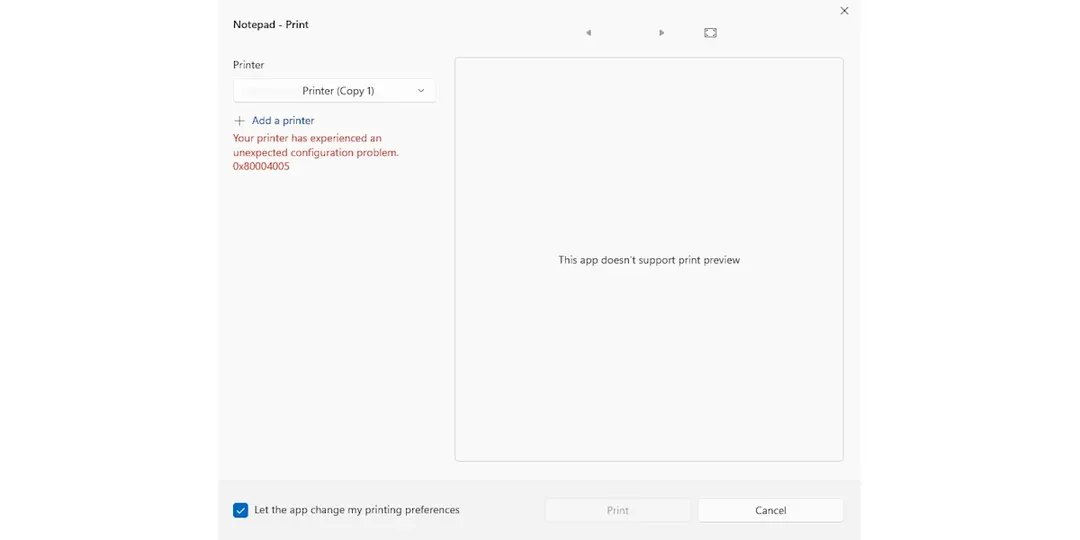
- Universal Print printers from Windows 10 fail on Windows 11 KB5083769 and later
- Selecting an affected printer disables the Print button with error 0x80004005
- Konica Minolta devices lose Universal Print connectivity; jobs abort after 3 days
- Root cause and fix timeline unconfirmed; Microsoft is working with Konica Minolta
Read next
Software