Chrome 155 on Googlebook lets users install any webpage as an app
Chrome 155 on Googlebook now allows manually installing any webpage as an app, whereas previously only sites with an installable web manifest could be installed. Installed web apps can be pinned to the taskbar or homescreen and share Google Account login, cookies, site permissions, and browser extensions.
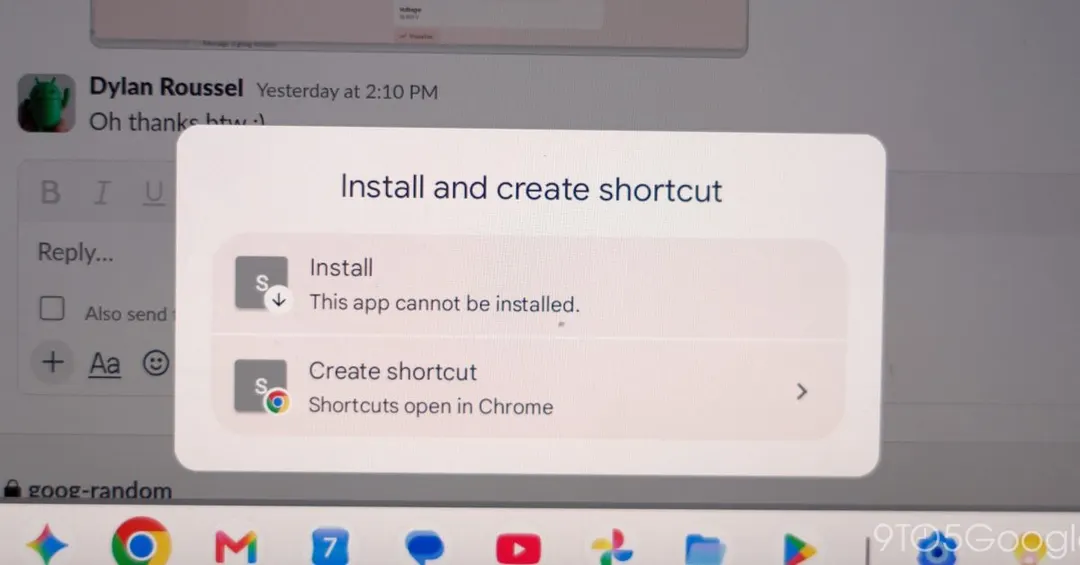
- Installation is available via Chrome menu: Save and share > Install and create shortcut
- Web apps run in their own window and share session, cookies and extensions with Chrome
- Chrome Settings is no longer fullscreen and opens as a separate tab
- Version 155.0.8059.79 is rolling out via the Play Store on Googlebooks
Read next
Software