Googlebooks replace Caps Lock with Quick Insert key that can't be remapped
Every Googlebook has a Quick Insert key in place of Caps Lock, and a Google representative confirmed it can't be remapped for now. Caps Lock is only reachable via Fn+Quick Insert or the Shift key, while Windows 11 maps similar clipboard features to Win+. and Win+V.
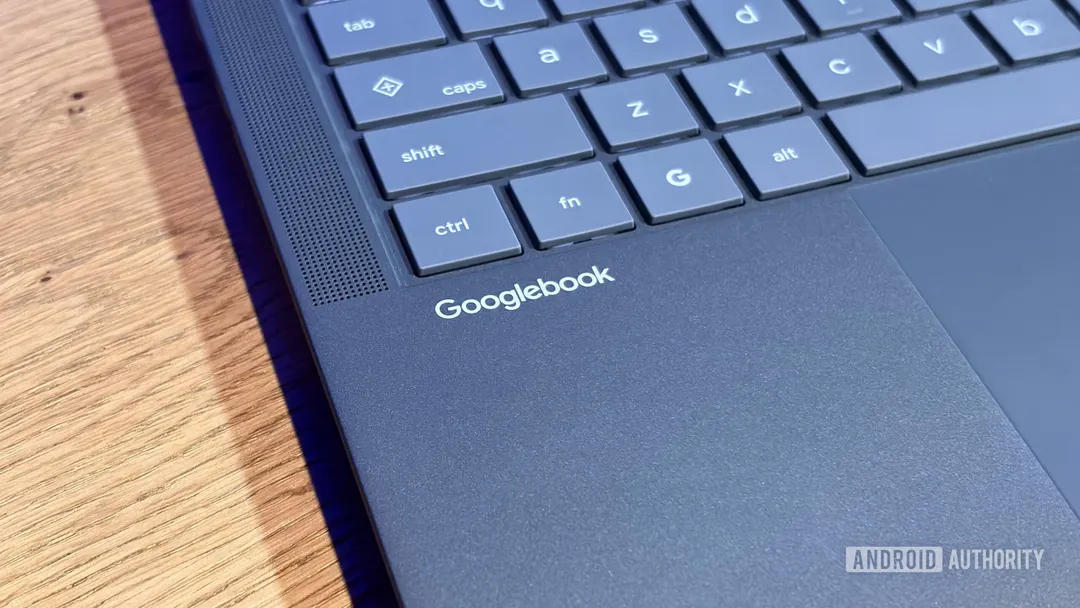
- Quick Insert provides clipboard items, emojis, GIFs, translation and voice typing
- Googlebook OS currently doesn't allow remapping the Quick Insert key
- Caps Lock requires Fn+Quick Insert or the Shift key
- Windows 11 maps clipboard history to Win+V
Read next
Gadgets