Windows 11 adds internet speed test to the network icon menu
Since late February 2026, Microsoft has been rolling out a new internet speed test via Windows Update. The Perform Speed Test option appears in the context menu of the taskbar network icon and opens Ookla's Speedtest on a Bing page in the browser.
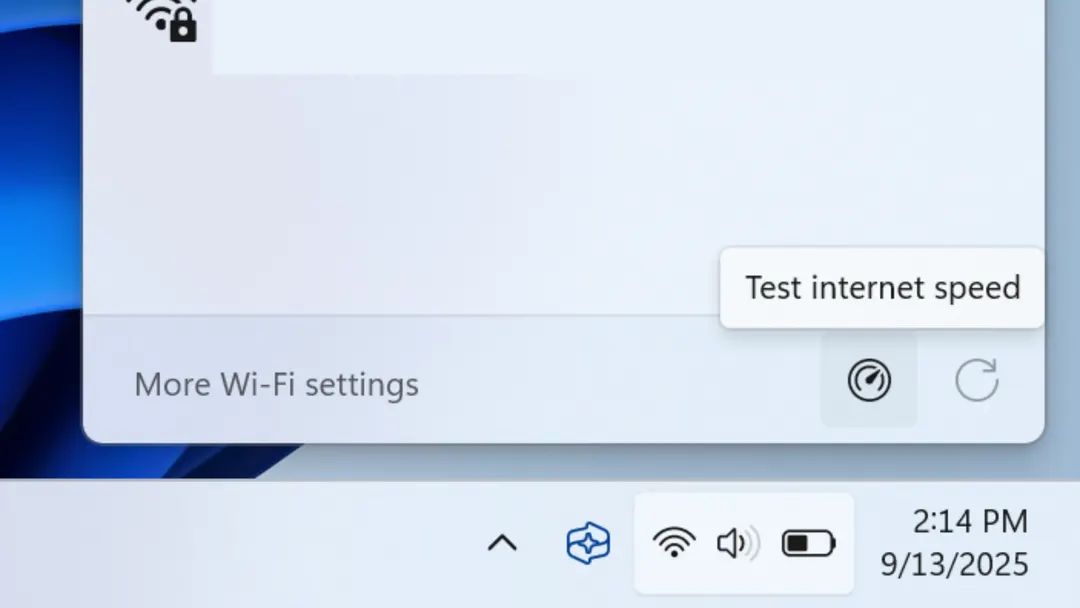
- Perform Speed Test is available by right-clicking the network icon in the taskbar
- The test opens in the browser on a Bing page and uses Ookla Speedtest
- It first measures ping to a Telekom server, then download and upload speeds
- Alternatives include speedtest.net or the standalone Ookla app from the Microsoft Store
Read next
Gadgets