iOS 27 redesigns Apple Pay checkout with card swiping and rewards info
Apple has redesigned the Apple Pay checkout flow in iOS 27 for apps and websites. Users can now swipe between payment cards on the main interface, and tapping a card opens a grid view showing rewards, balances, debit account balance and pay later options.
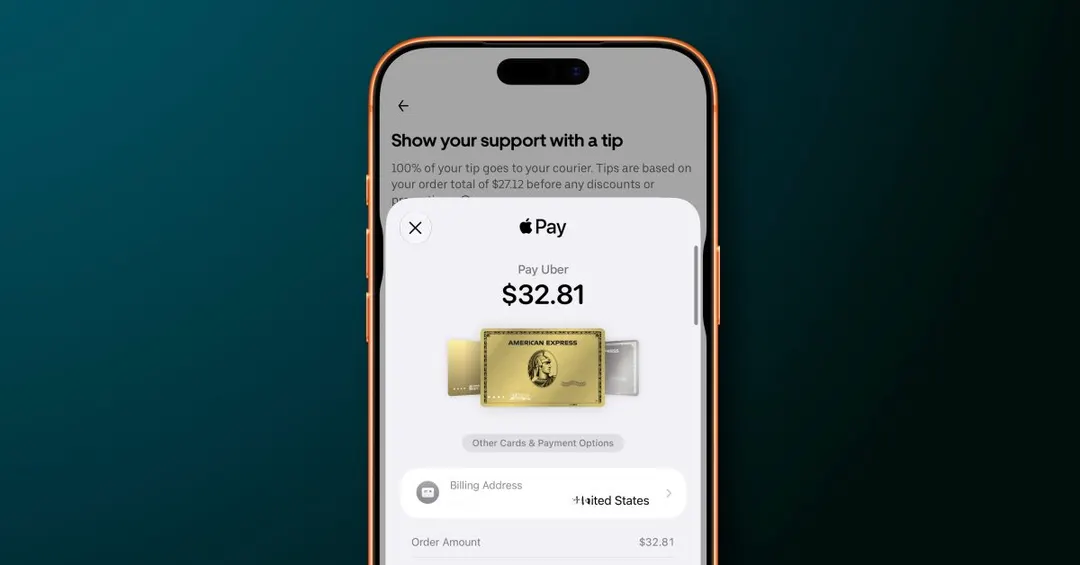
- Card switching now works by swiping on the main Apple Pay screen
- Tapping a card opens a grid of all available cards
- Rewards, balances, debit balance and pay later options are surfaced
- In iOS 26, switching cards required a separate button at the bottom
Read next
Business