Android 17 adds Background Audio Hardening to stop surprise audio
Android 17 introduced a system-level Background Audio Hardening feature: apps and browser tabs can now play audio only when visible on screen or running a proper foreground service. Otherwise audio and volume APIs fail silently. Samsung added a toggle in One UI 9 to disable it.
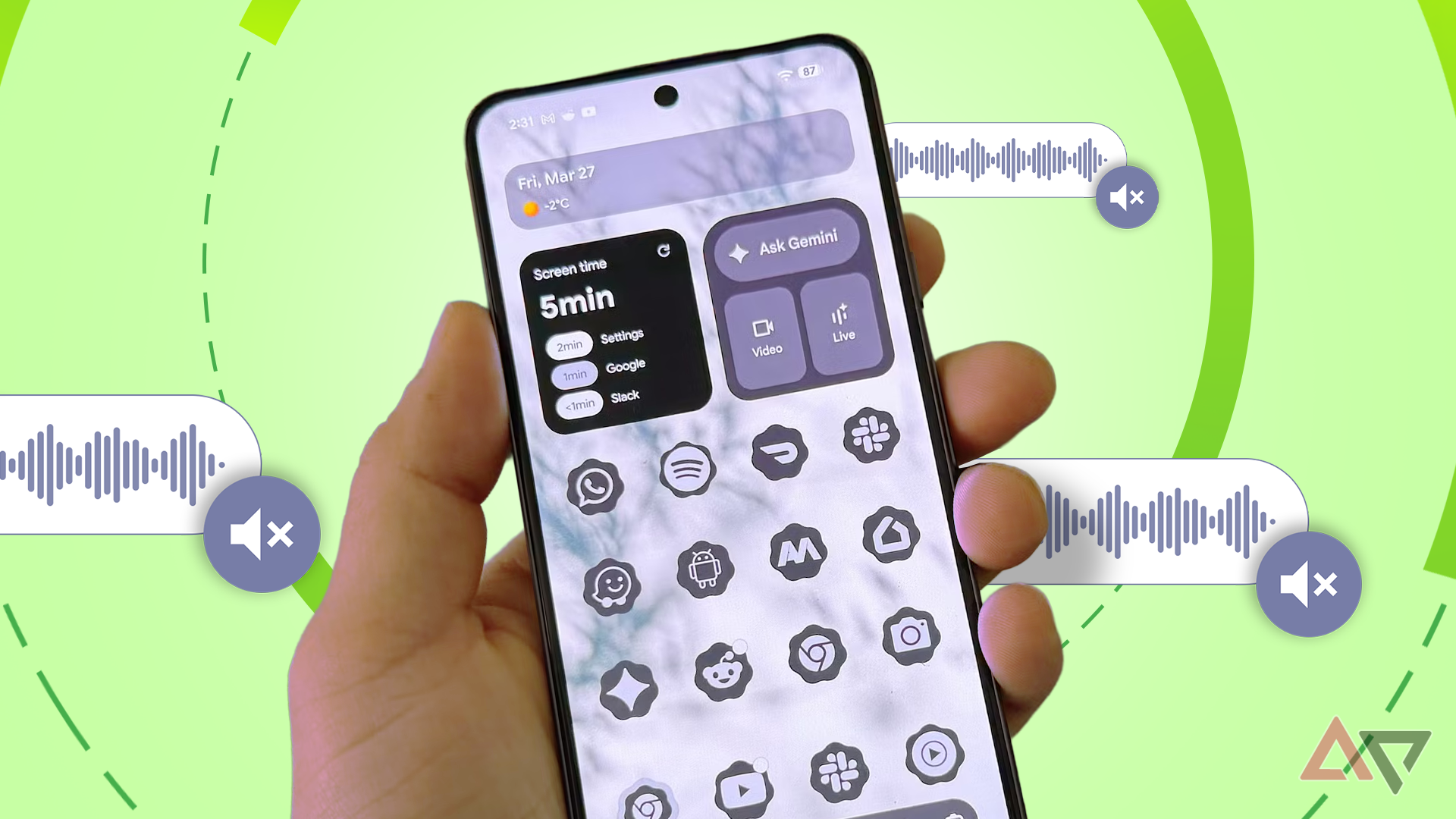
- Audio allowed only for visible apps or foreground services
- Without that, audio APIs fail silently with no errors or crashes
- Rule applies OS-wide to all apps, not just Chrome
- Samsung added a One UI 9 toggle to disable the feature
Read next
Software