Windows 11 apps can launch faster now; you just have to enable it yourself with another tool
In update KB5121003 for Windows 11, a Low Latency Profile feature appeared: when clicking an icon, the OS raises CPU frequency almost to maximum for 1–3 seconds, speeding up app launches. The feature is hidden behind a Controlled Feature Rollout flag and is enabled manually via the ViveTool utility.
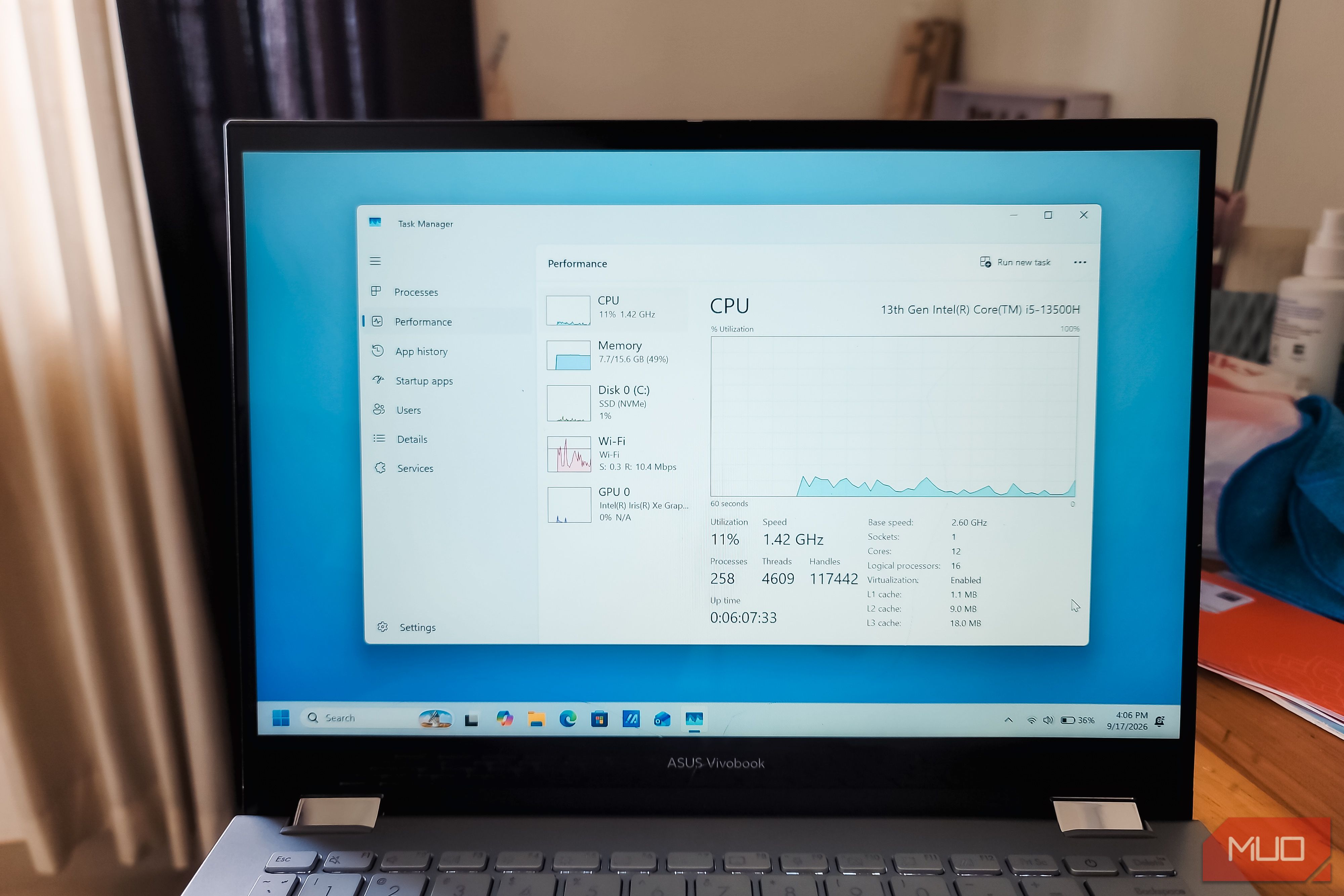
- Requires build 26200.9168 (25H2) or 26100.9168 (24H2) and newer
- CPU boosts for 1–3 seconds on click, then returns to idle
- Acceleration most noticeable on older and budget devices, especially ARM
- Can only be enabled via ViveTool, no toggle in settings
Read next
Software