iOS 27.2 adds Lock Controls to disable HomePod touch input
iOS 27.2 and HomePod 27.2 introduce a Lock Controls setting that stops the speaker from responding to touches on its top panel. Intercom, timers, alarms, Check In and FaceTime calls still work. The option will be available on all HomePod models, including the 2018 original.
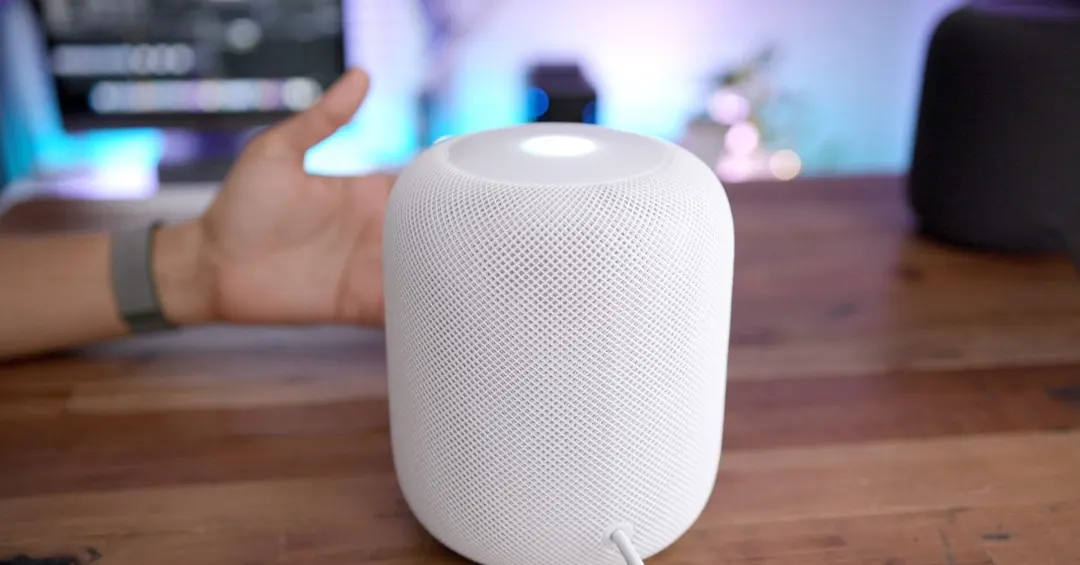
- Lock Controls lives in the Home app under HomePod settings
- The setting blocks audio playback and actions from top-cap touches
- Intercom, timers, alarms and FaceTime calls remain active
- The feature comes to all HomePod models, including the 2018 one
Read next
Software