One UI 9 update gets stuck on error screen for some Galaxy devices
Some Galaxy devices show an error screen instead of the changelog after installing One UI 9, and reboots don't help. A reported workaround is a forced restart (Volume Down + Power), booting into Safe Mode, enabling Airplane Mode, then restarting normally. The issue may stem from a Samsung server-side change meant to prevent firmware leaks.
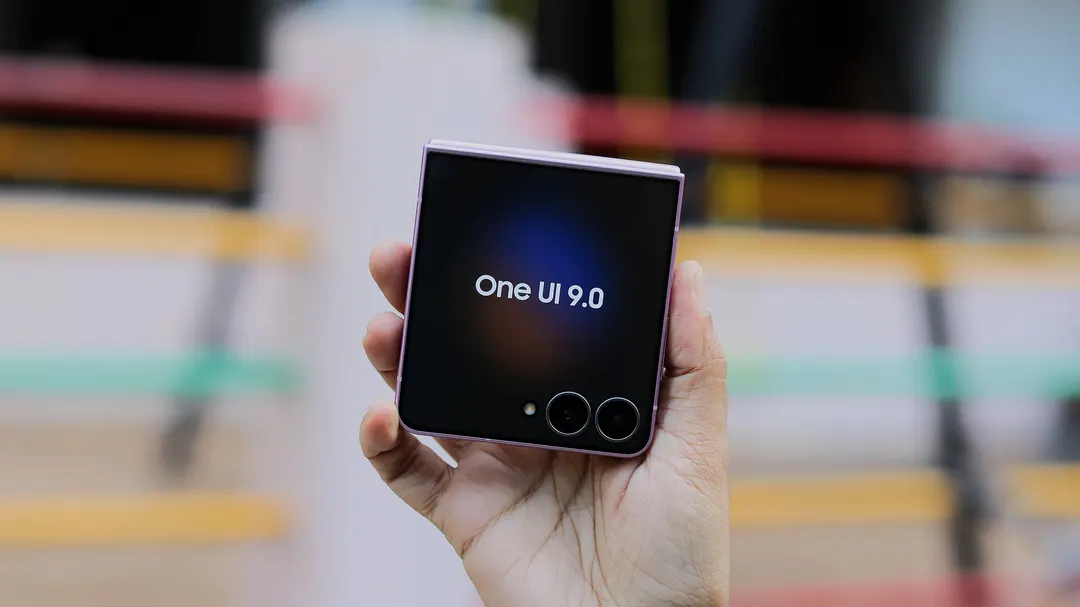
- Error screen appears instead of the changelog after the One UI 9 update
- Fix: Volume Down + Power, Safe Mode, Airplane Mode, then restart
- Cause may be a Samsung server-side change against firmware leaks
- Users advised to enable Airplane Mode before updating until fixed
Read next
Software