Microsoft adds Outlook Classic-style theme to New Outlook
Microsoft rolled out an optional "Enable classic Outlook style" setting in New Outlook for Windows 10 and 11 that recreates the classic client's look: dark background, monochrome icons, a compact folder list and a ribbon with a Send/Receive tab. New Outlook remains a web app running in an Edge-powered container.
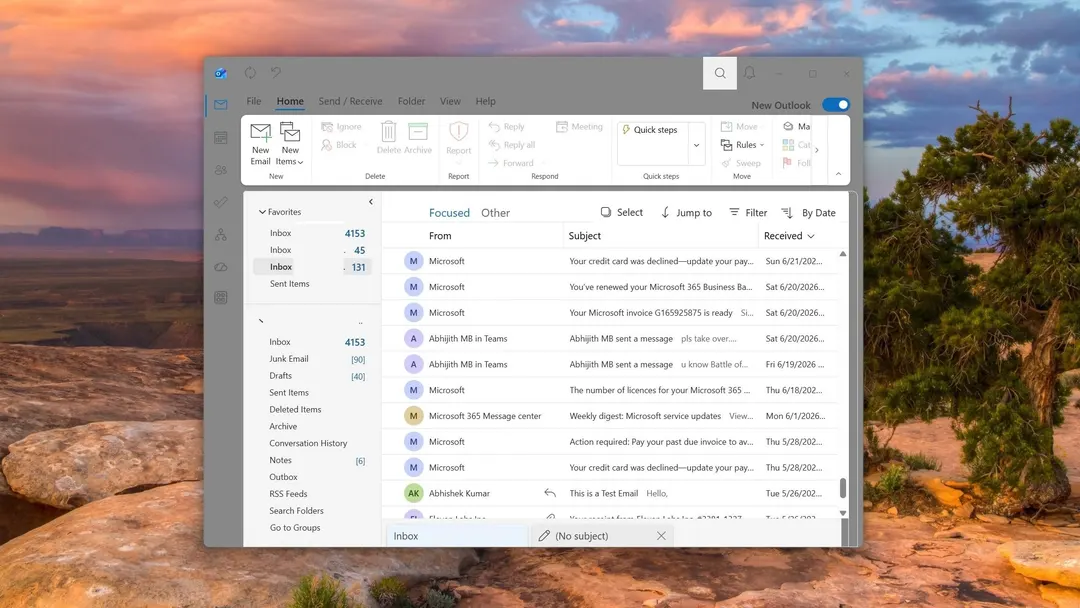
- Setting is enabled via Settings > General > Appearance
- Title bar, icons, folder list and ribbon change
- Blue New mail button becomes neutral New Email
- New Outlook is still a web app on Edge
Read next
Software