Word 2609 Saves PDFs to Hidden Cache Instead of SharePoint
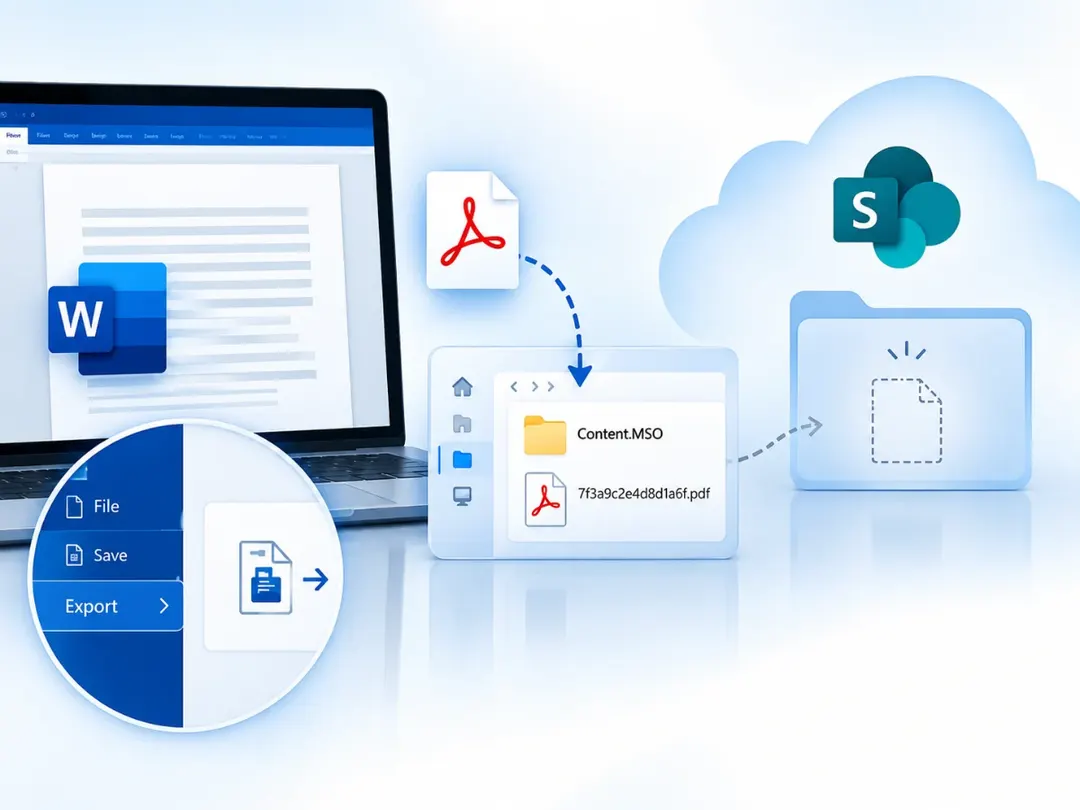
Microsoft confirmed a bug in Word for Windows version 2609 (build 16.0.20430.x): saving a PDF to SharePoint silently writes it to the hidden INetCache\Content.MSO folder with a random file name. No fix is available yet; Microsoft offers a workaround via File → Export.
- Bug affects Microsoft 365 for Windows version 2609, build 16.0.20430.x
- PDFs go to %LOCALAPPDATA%\Microsoft\Windows\INetCache\Content.MSO with random names
- Word shows no error and the file never appears in SharePoint
- Workaround: save elsewhere or use File → Export → Create PDF/XPS
Read next
Software