iPhone Duo has hidden trick to open Control Center
On iPhone Duo, Control Center can be opened by tapping the battery, Wi-Fi and cellular icon instead of swiping from the top-right corner. The shortcut is easier to reach with one left hand, and the button moves lower when a Live Activity is running.
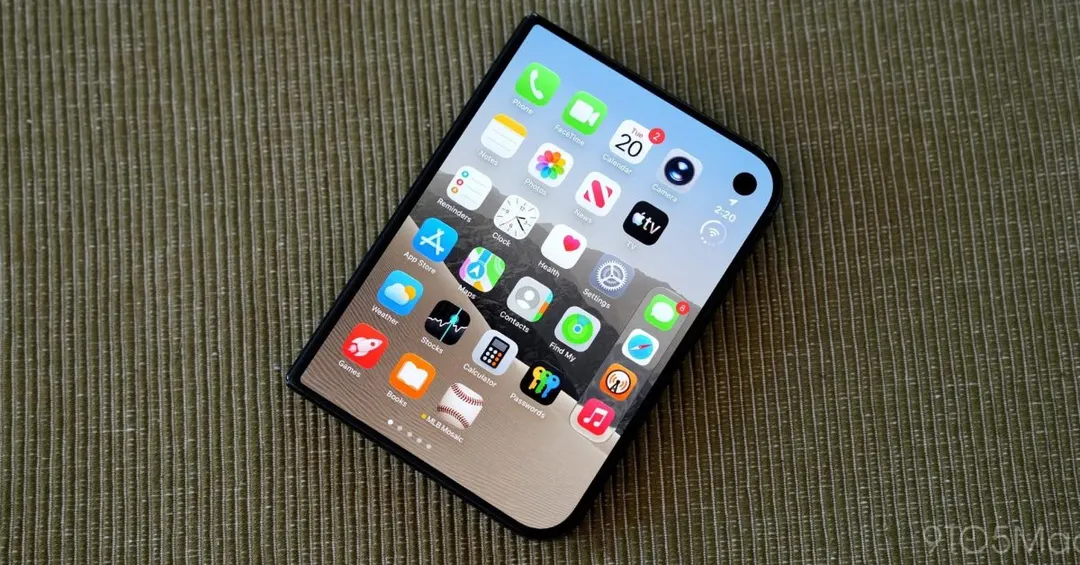
- Tapping the battery, Wi-Fi and cellular icon opens Control Center
- The button moves lower on screen when a Live Activity is active
- Top-right swipe is awkward for left-handed use
Read next
Gadgets